FOCTV provides the most innovative, high quality solutions with the best technical information within the photonics and nanotechnology world.
FOCTV was developed to provide solutions for customers’ challenges and information on the highest quality fiber-optic equipment, supplies and entire fiber-optic cable assembly process.
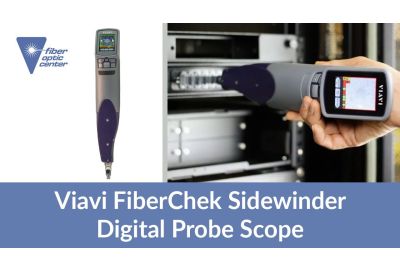
View a demonstration of the FiberChek Sidewinder Digital Probe Scope. Handheld inspection and analysis tool for multifiber connectors. An automated solution to quickly and reliably inspect and analyze MPO connectors. ...
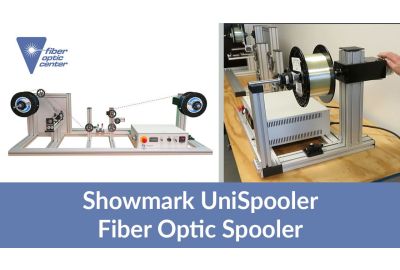
View a demonstration of the Showmark UniSpooler Fiber Optic Spooler. The Showmark UniSpooler has been designed to offer excellent flexibility for general purpose or precision wire respooling applications. It works equally well with fiber optic wire, fine wires, or...
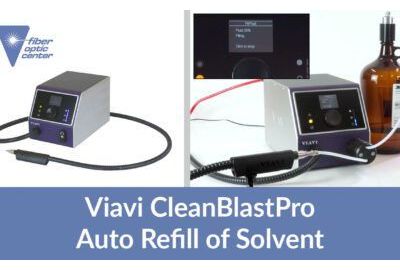
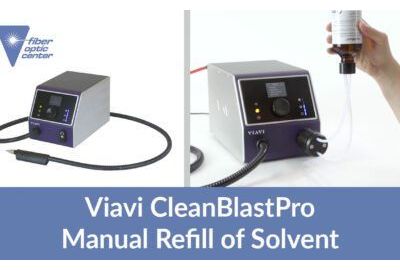
In addition to refilling the CleanBlastPro with a small bottle of 3M Novec 72DA users can also utilize the large bottle. To use this canister, a separate refill assembly is required. One end of this refill assembly is attached to the larger bottle while the...
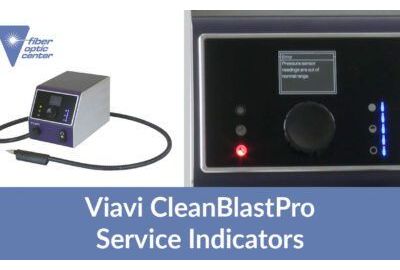
Have you ever experienced a situation that’s preventing normal operation, CleanBlastPro is equipped with several service indicators to inform you of the issue. On the left front panel is the maintenance LED, which will illuminate either yellow, which is a ...
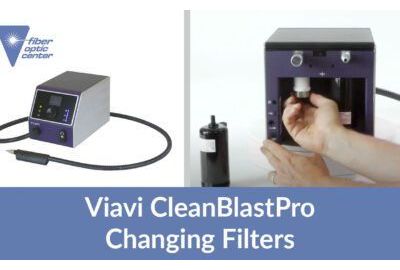
For best performance, we recommend changing the air filters of the CleanBlastPro every 12 months. The CleanBlastPro is equipped with two different air filters inside these canisters in the back. On the left side is a fine air filter and on the right is a ...
If your solvent ever gets below a desired level in the CleanBlastPro, you can always easily refill it. This can be done by both manual and automatic methods. The manual method is used for the small bottles of 3M Novec 72DA. This is done by taking the refill as...
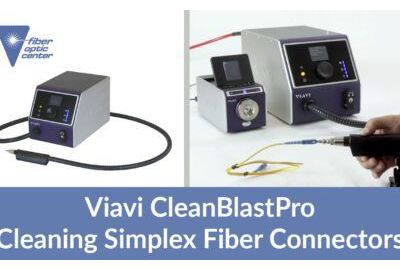
All right, so we’re going to demonstrate how to use the CleanBlastPro to clean a simplex fiber connector. We’ll start with a patch cord. To do this, we’ve got our CleanBlastPro setup. And we also have a benchtop series FVAI microscope that we can use to...
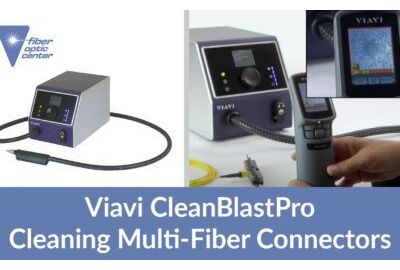
Okay, so now we’re ready to demonstrate cleaning an MPO-type connector, we’re starting with a patch cord, I have the SVA M series benchtop microscope set up with an FMAG MPO adapter on that. So let’s take a look at this MPO connector and see how clean it is...
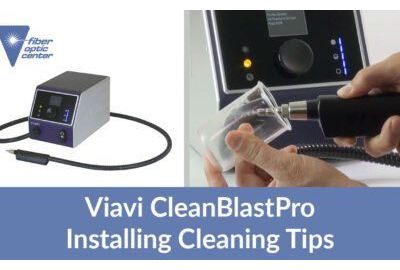
The CleanBlastPro handset can support the entire portfolio of FCL T series cleaning tips. By default, the device will ship with the F CLT-U25, which is purpose built for cleaning any bulkhead with a 2.5 millimeter ferrule such as an SC connector. Likewise,...
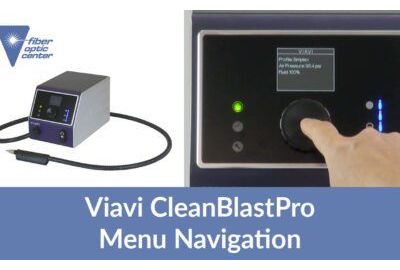
Managing the CleanBlastPro menu is very fast and intuitive as your main information is already readily displayed on the home screen, or known as the Viavi menu, you’ll see first is the profile, which is currently active were set at simplex right now. Next is...